
Dream International App
Everything, in one app.
The official Dream International customer app — your file, documents, jobs and support, live from our office to your phone.
Real screens
This is what you get.
Not mockups — these are the actual screens from the app running on a phone.
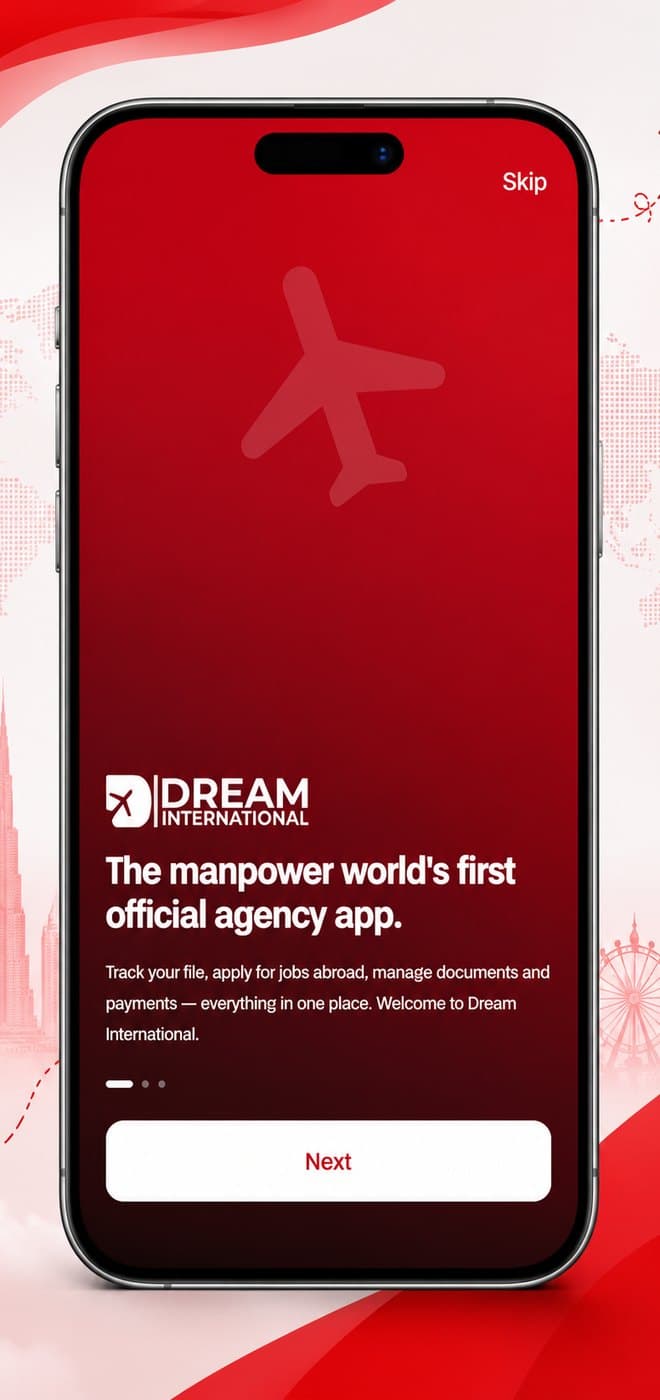
Welcome
Open it and start — no account needed to look around.
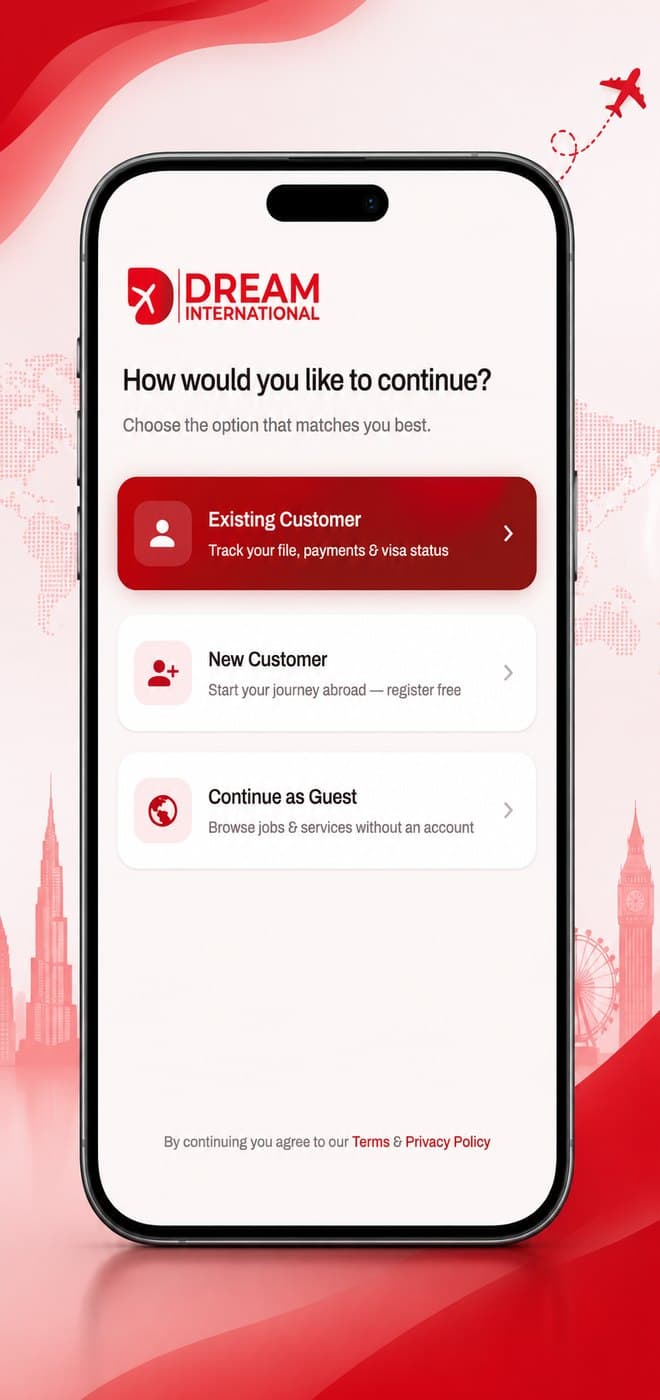
Pick your path
Existing customer, new customer, or just browsing.
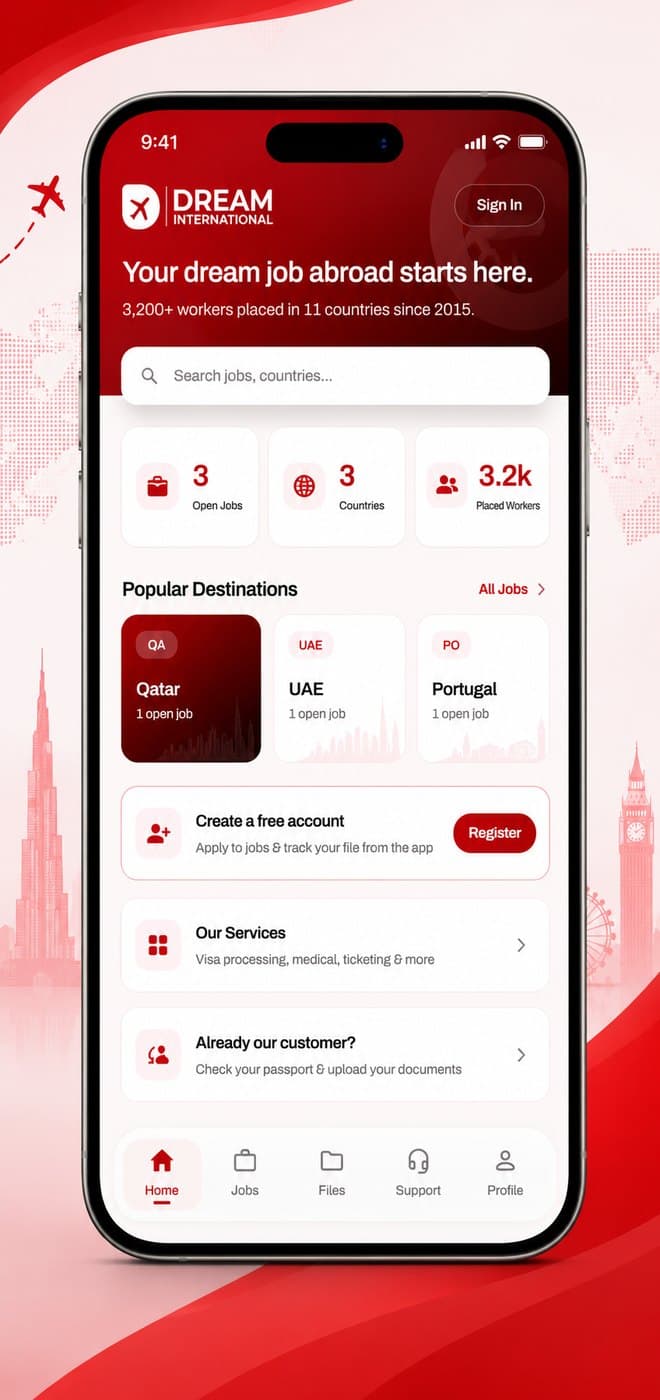
Home
Open jobs, destinations and your file at a glance.
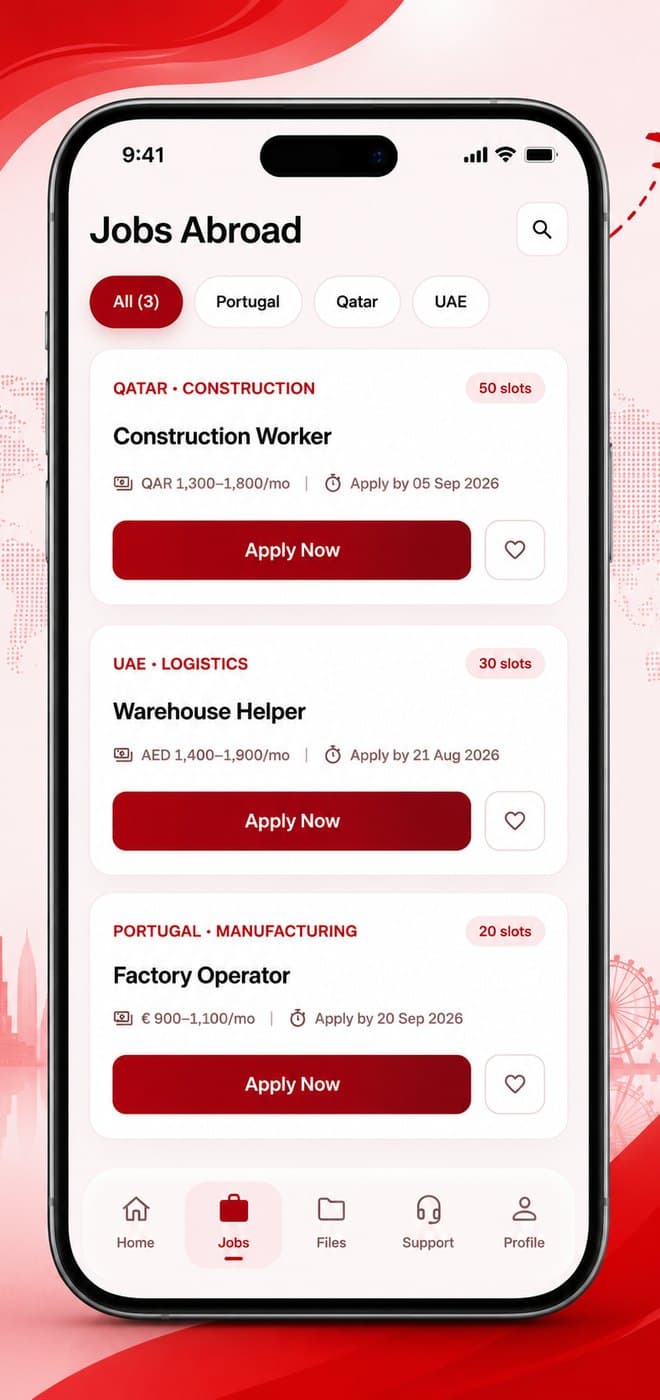
Jobs abroad
Live vacancies with salary, country and closing date.
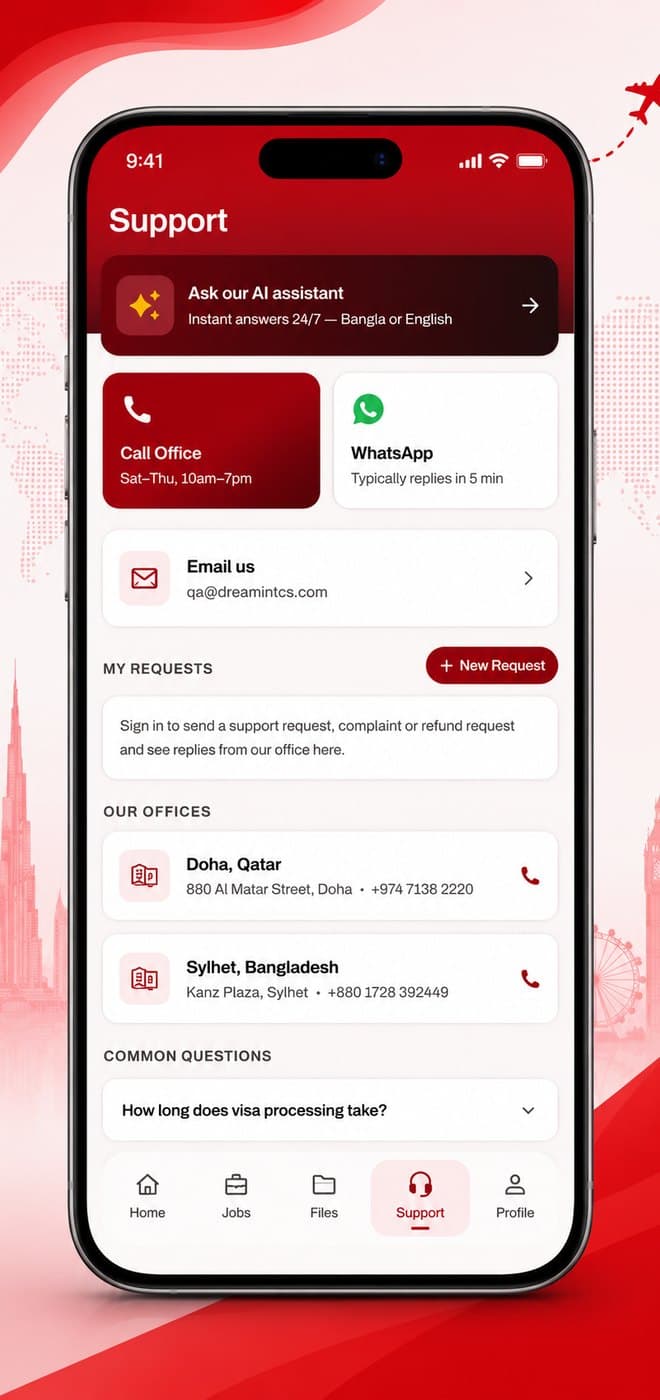
Support
AI assistant, WhatsApp, and both office numbers.
Dream International App
Six things it does brilliantly.
Live file tracking
All five stages, from Office Received to Visa Okay — updated the moment our team moves your file.
Document upload
Snap and send passports, certificates and photos straight from your phone. Our office reviews them in the app.
Jobs abroad
Browse live European vacancies and apply in two minutes with your saved profile.
AI visa assistant
Ask anything about visas, documents or your file — answers in Bangla or English, day or night.
Notifications
Stage changes, payment confirmations and office messages arrive instantly.
Support & refunds
Open support tickets, make complaints or request a refund — and watch the office reply.
3 ways to get the app
Download now
Tap the download button — the APK (24 MB) installs straight from our website. No Play Store needed.
From our office
Visit the Sylhet or Doha office and we'll install it on your phone in two minutes.
WhatsApp us
Message us and we'll send you the download link directly.
Installing in 3 steps
- 1
Download
Tap “Download for Android” and wait a few seconds for the file to finish.
- 2
Allow install
Open the file. Android asks permission once — tap “Settings”, turn on “Allow from this source”, then go back.
- 3
Install & sign in
Tap Install, open the app, and sign in with your passport number and registered email.
The warning is normal for apps outside Google Play. Only download from dreamintcs.com.
App questions
Is the app free?
Yes — completely free for every Dream International customer.
Who can log in?
Customers with a file at our office — sign in with your passport number and registered email.
How does registration work?
Register in the app; our office approves your account (usually within a few hours) and you get a notification.
Ready to start?
Download the app now — free, 24 MB, straight from our website.